Wednesday, November 30, 2016
Where’s the “Open in New Tab” and “Window” for the New Youtube com Site
Where’s the “Open in New Tab” and “Window” for the New Youtube com Site

With the revamp version of Youtube website, there are many changes that aims to increase the interaction of the users to the system.
At first, you’ll be having some difficulty adjusting and you might say it’s not good but after one-two days of using the new website.
You will say that the changes are nice and you’ll find more hidden great videos.
One User came to me, “I like the new website but the problem is…. When I used the Right-Click option in the Mouse, I can’t see the Open in New Tab and New Window! Is this a Bug?”
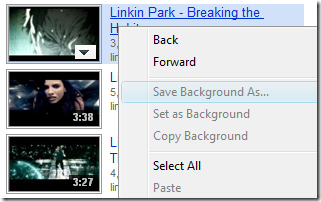
Solution: Right-Click ANY position at the vacant space beside the link.
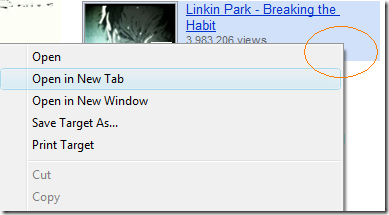
Use the Picture instead of the Title Link
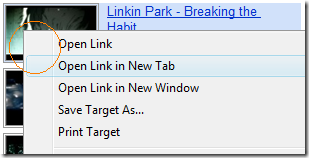
Note: Internet Explorer only. Works fine with Google Chrome, Firefox, and Opera.
Hope this helps!
Go to link Download

Friday, September 23, 2016
Watch Adult Videos on Youtube without Logging In
Watch Adult Videos on Youtube without Logging In

[*] You will not get any adult videos on YouTube search results if you turn on Safety Mode.This video or group may contain content that is inappropriate for some users, as flagged by YouTube’s user community or as determined by the video uploader.To view this YouTube video, verify you are 18 or older by signing in or signing up (link – http://www.youtube.com/verify_age?next_url=)
Go to link Download